
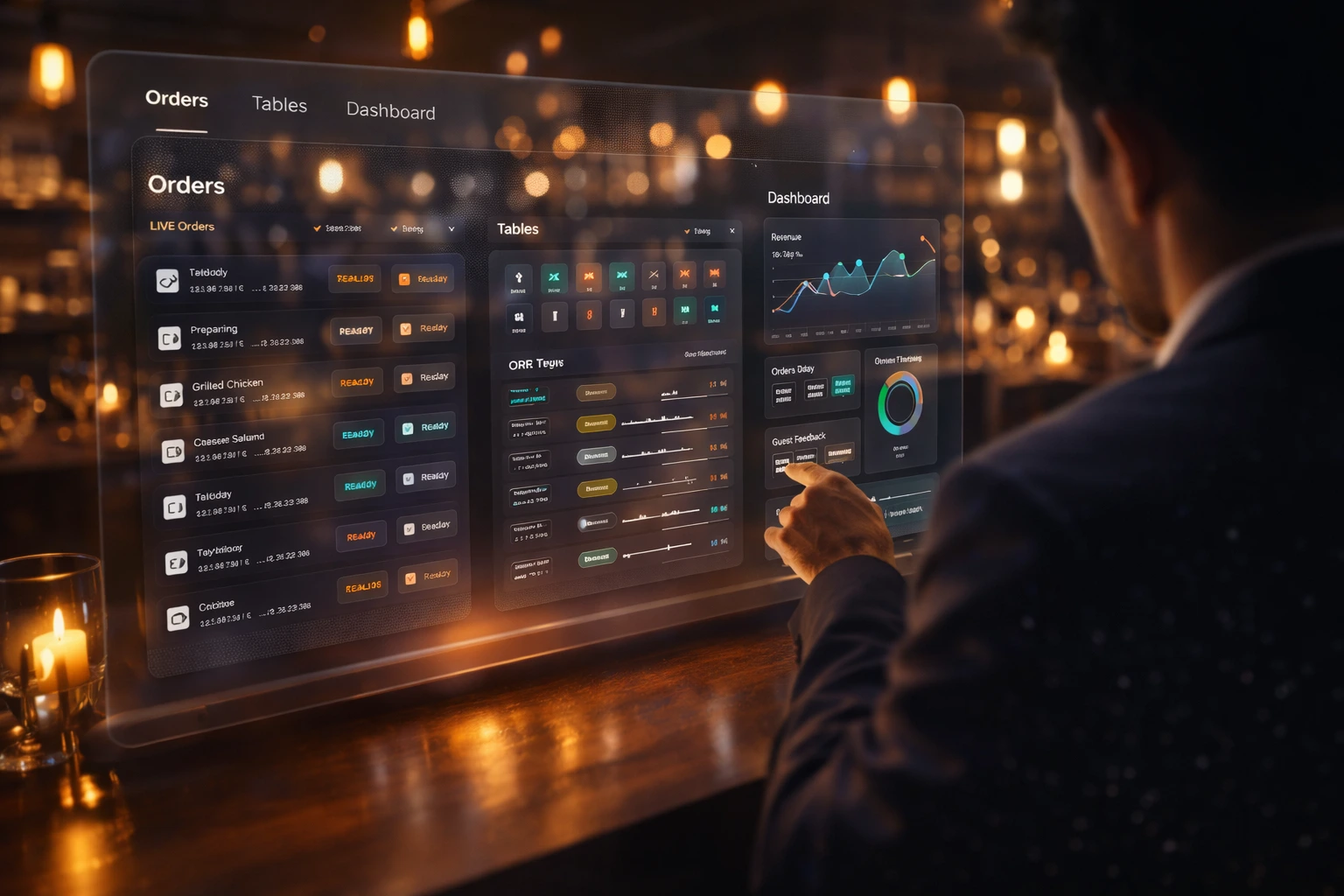
One platform. Three hospitality verticals.
Tailored workflows for restaurants (QR + POS), hotels (front desk & room service), and marquees (booking-first venues with invoices) — on one hospitality platform.
Marquees & Event Venues
Public venue page, hall calendar, and a confirmed invoice
Booking-first for banquet and wedding halls: a public venue page, hall calendar, and a confirmed invoice. It does not use table QR food ordering.
- Public venue page — name, story, cover, logo, address, map, phone, capacity, and social links at a shareable link.
- Halls — each hall has its own name, capacity, and calendar.
- Online booking requests — guests pick a hall, date, and open slot, then send name, phone, guest count, and event type. The request stays tentative until staff confirm it.
- Availability rules — slot length and blocked or full times hidden from guests.
- Staff bookings — add a phone or walk-in booking, or block a hall for a private hold.
- Banquet invoice — confirm with hall, menu, air conditioning, stage, DJ, extras, advance, and balance due, including a PDF.
- Banquet menu files — downloadable menus on the public page.
- Gallery — photo and video albums, grouped for the public page.
- Marketing deals — offers shown on the venue page.
- Guest reviews — feedback on the venue.
- Analytics — booking performance.
- Catering sales — catering orders alongside hall bookings.
- Inventory — food stock, venue stock, cash float, expenses, and vendors.
- Accounts — payments, expenses, and vendors.
- Team and payroll — managers and specialist roles, staff records, adjustments, and pay runs.
- Instant notifications — the team is alerted as soon as a booking request, status change, or invoice arrives.
- Audit log — a record of booking and account changes.
Marquees & Event Venues
Public venue page, hall calendar, and a confirmed invoice
Restaurants
From the table to the kitchen to the bill
Dine-in service: guests order from the table, the kitchen runs the ticket, and the bill is settled at the table or the counter.
- Table QR ordering — guests scan a table code, open a branded menu, and order with no account.
- Digital menu — categories, photos, prices, and add-ons, plus a shareable browse-only menu link.
- Live order tracking — status from placed through preparing, ready, served, and paid.
- Waiter ordering — staff take the same menu order on behalf of a table.
- Kitchen board — tickets move from confirmed to preparing to ready.
- Point of sale — cashier shifts, walk-in and table bills, cash and card, receipts.
- Online guest payments — diners pay the food bill from their phone when payments are connected.
- Table reservations — public booking link; staff confirm, seat, complete, or mark no-show.
- Multi-location — each restaurant has its own tables, menu, and orders.
- Taxes and service charges — dining charges applied to food bills.
- Promotions — deal slides on the guest menu.
- Guest reviews — ratings after an order.
- Inventory — kitchen and food-and-beverage stock.
- Analytics — sales and performance for the location.
- Team and payroll — waiters, kitchen, cashiers, and branch admins, plus pay runs.
- Branded theme — logo, colors, and menu look guests see.
- Instant notifications — the team is alerted as soon as an order is placed or its status changes.
- Audit log — a record of who changed what.
Restaurants
From the table to the kitchen to the bill
Hotels
Property operations plus in-room dining
Property operations plus in-room dining. Food charges roll into the stay bill.
- Front desk — room grid, occupancy, today’s arrivals and departures, and walk-in check-in.
- Reservations — future stays, including multi-room groups, with optional advance payment.
- Rooms and room QR — floors, room types, nightly rates, and a QR code per room for room service.
- Room service — checked-in guests scan the room code, order from the dining menu, and track the ticket.
- Stay billing — room nights, room-service orders, extras (minibar, laundry), taxes, minus advances, with a receipt at checkout.
- Stay changes — extend a stay, transfer a room, or add rooms to a group stay.
- Housekeeping — tasks by room and type, including a clean created at checkout.
- Guest history — search past stays.
- Reservation forecast — upcoming occupancy.
- Property inventory — linen, amenities, and furniture.
- In-room dining setup — menus, dining charges, and kitchen stock, separate from room taxes.
- Deals and guest reviews — promotions and feedback on dining orders.
- Analytics — property performance.
- Team and payroll — front desk, housekeeping, and kitchen.
- Hotel settings — check-in and check-out times, currency, logo, and reservation-card terms.
- Instant notifications — the team is alerted as soon as a room-service order is placed or its status changes.
- Audit log — a record of staff changes.
Hotels
Property operations plus in-room dining
Shared platform capabilities
Every vertical benefits from the same core hospitality operations platform.
- Multi-tenant architecture
- Multi-branch support
- Role-based access control
- QR code generation
- Inventory management & stock alerts
- Payments, billing & subscriptions
- Instant notifications
- Audit logs & analytics
- Customer reviews
- Templates and branding
- Agent portal & super admin controls
Ready to modernize your hospitality operations?
Start your free trial and see how EZDineIn fits your restaurant, hotel, or marquee.